15 Best Workflow Automation Tools for Sales Teams’ Efficiency
Sales reps spend nearly 65% of their time on administrative tasks rather than selling. Manual data entry, follow-up emails, lead qualification, and pipeline updates drain energy from what actually moves the needle: building relationships and closing deals. The best workflow automation tools for sales teams eliminate this burden by streamlining processes and freeing up time for high-value conversations.
Modern automation solutions handle repetitive tasks that typically consume hours each day, from routing leads to the right team members to updating CRMs automatically. These tools don't just save time; they create space for the human connections that actually convert prospects into customers. Teams looking to transform their sales operations can start by implementing Bud's AI agent to handle routine workflows alongside their existing sales stack.
Table of Contents
-
What Are Sales Automation Tools and Why Are They Invaluable?
-
15 Best Workflow Automation Tools for Sales Teams Compared
-
Five-Step Sales Automation Implementation Playbook
-
Unify Your Sales Workflow Across Every Tool You Use With Bud AI
Summary
-
Sales reps spend nearly 65% of their time on administrative tasks instead of selling, according to industry research. Manual data entry, follow-up emails, lead qualification, and pipeline updates consume energy that should go toward building relationships and closing deals. The time drain isn't just frustrating; it directly impacts revenue because reps have fewer hours for high-value conversations with prospects.
-
Automation saves up to 2.5 hours per day per sales rep, but time savings alone don't improve performance. The actual value comes from four specific improvements: faster lead response times, reduced drop-off between sales stages, standardized follow-ups, and better forecasting accuracy. Without these structural changes, teams just do the wrong things faster, rather than fixing what's broken in their process.
-
Lead response speed changes conversion rates more than most teams realize. When a prospect fills out a form and waits hours for a response, they've already moved on mentally. Automation that routes hot leads instantly and cuts response time from hours to seconds captures buyers while they're still engaged, and that compression alone shifts win rates because prospects remember who showed up first.
-
Sales automation can increase productivity by up to 14.5% according to McKinsey research, but many teams never see those gains because they automate before mapping their actual workflow. The painful truth is that broken processes stay broken when they're invisible. Teams know something feels inefficient but can't pinpoint where friction lives until they document every action from first contact to closed deal, including workarounds and manual transfers that happen outside the CRM.
-
Most automation relies on API connections between specific platforms, which works until your workflow involves tools that don't integrate cleanly or legacy systems without modern connectors. Companies using sales automation see productivity increases only when implementation happens in focused phases, starting with one high-friction bottleneck, measuring results for two weeks, then scaling systematically, rather than trying to automate everything at once and overwhelming reps with too much change.
-
Bud's AI agent addresses this by interacting with your full computing environment the way a human would, navigating any software interface without requiring pre-built integrations, so automation adapts to your actual tech stack instead of forcing you to swap tools for compatibility.
What Are Sales Automation Tools and Why Are They Invaluable?
Sales automation tools handle repetitive tasks like lead capture, CRM updates, follow-up sequences, and pipeline tracking. Their value comes from aligning automation with your sales process structure and customer journey, not from time savings alone. Key Point: The most effective sales automation tools don't just save time—they create consistent touchpoints that nurture prospects through your entire sales funnel without manual intervention.

Example: Instead of manually sending follow-up emails every 3 days, automation tools can trigger personalized sequences based on prospect behavior—like downloading a whitepaper or visiting your pricing page—ensuring timely engagement when interest peaks.
The Status Quo Trap Most Teams Fall Into
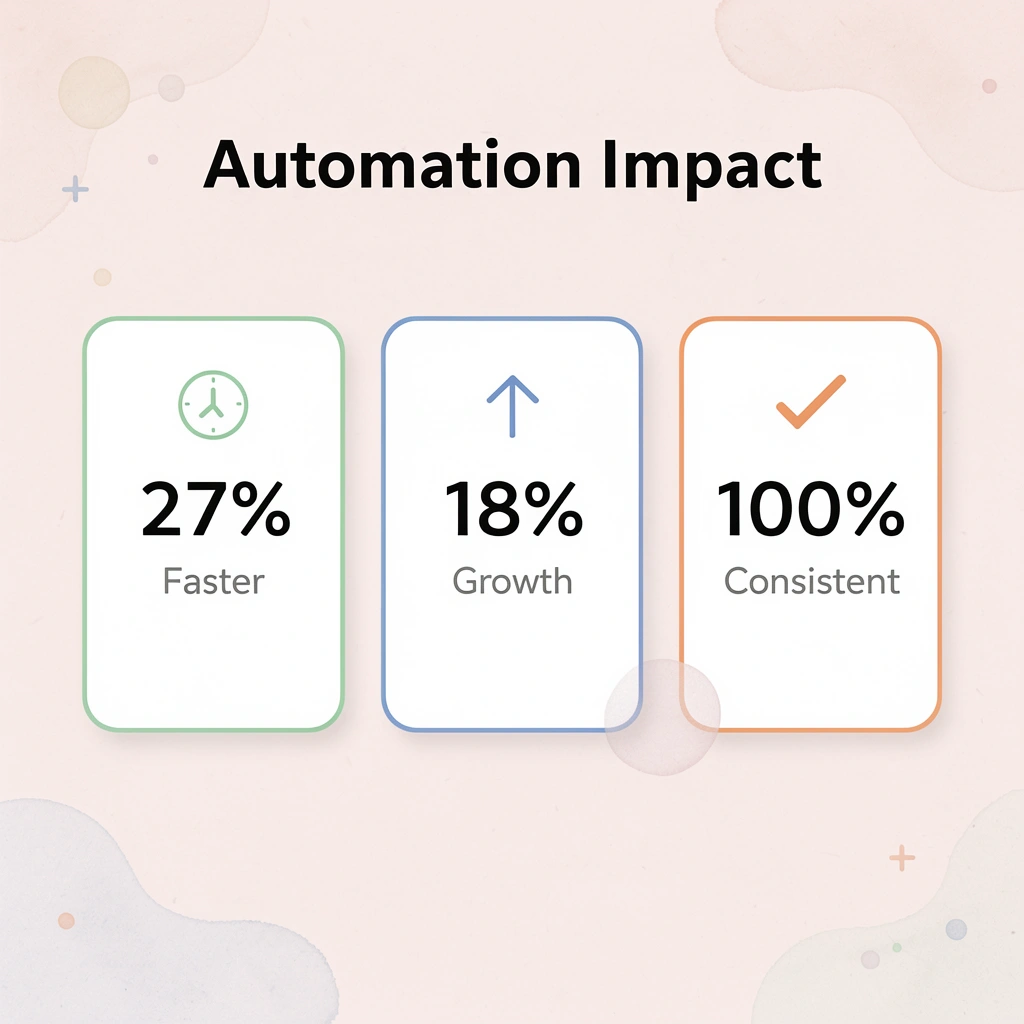
Most teams assume sales automation improves performance by reducing manual work. According to Activepieces, sales automation can save up to 2.5 hours per day per sales rep. But time savings don't translate to revenue unless automation improves four things: response speed to leads, lead retention between sales stages, consistency in follow-ups, and forecast accuracy. Without these structural improvements, you're doing the wrong things faster.
How Automation Actually Creates Value
Speed matters more than most teams realize. When a lead fills out a form at 3 PM, and your rep responds at 9 AM the next day, that lead has already moved on mentally. Automation routes hot leads to the right rep instantly, cutting response time from hours to seconds. This compression alone changes conversion rates because buyers remember who showed up first.
How does automation prevent deal drop-off?
Losing deals between stages kills more sales than bad pitching. Automation keeps you in touch with prospects without manual tracking, moving deals through each step. The best systems adjust follow-up sequences based on prospect behavior—opening emails, clicking links, visiting pricing pages—so your follow-up feels timely rather than robotic.
What makes pipeline consistency possible?
Pipeline consistency becomes possible when stage progression happens automatically. Deals move forward based on actions taken, not on whether your rep remembered to update Salesforce. Sales leaders can trust their numbers because the system captures what's happening, not what reps think is happening.
How do modern automation platforms differ from traditional tools?
Traditional automation tools connect apps through APIs and pre-built integrations, which work until you hit a workflow that those integrations don't support. Platforms like Bud's AI agent take a different approach: they interact with your entire computing environment the way a human would, seeing screens and operating any software interface without needing custom integrations. This enables automation that adapts to your actual workflows, rather than forcing you to adapt to limited connector libraries.
Why do most automation platforms fail to deliver results?
Research from McKinsey shows that sales automation can increase productivity by up to 14.5%, but many teams never see those gains. The difference comes down to fit. A tool built for fast-moving inside sales won't work for complex enterprise deals that take six months and involve multiple departments. Automation means nothing if it doesn't match how your team sells.
What makes automation platforms stick with sales teams?
The difference isn't feature lists—it's whether the platform fits into your daily workflows or becomes another forgotten tab. Reps need automation that meets them in their CRM, email, and mobile apps, providing guidance and handling tasks without requiring them to learn a new system. When automation feels invisible, adoption happens naturally. When it feels like extra work, it dies in the pilot phase.
Knowing what makes automation valuable is only half the equation; the other half is knowing which specific tools deliver on that promise for different team structures and sales motions.
15 Best Workflow Automation Tools for Sales Teams Compared
Here is a practical breakdown of tools that matter for different sales workflows. The tools are organized around where they fit in your process and what they excel at. Each tool has a clear strength and a point where it stops working well. Your job is to match those realities to your team's structure, sales cycle, and where friction exists in your pipeline.

Key Point: The most expensive automation tool isn't necessarily the best fit for your team. Focus on tools that solve your specific bottlenecks rather than feature-rich platforms that create new complexity.
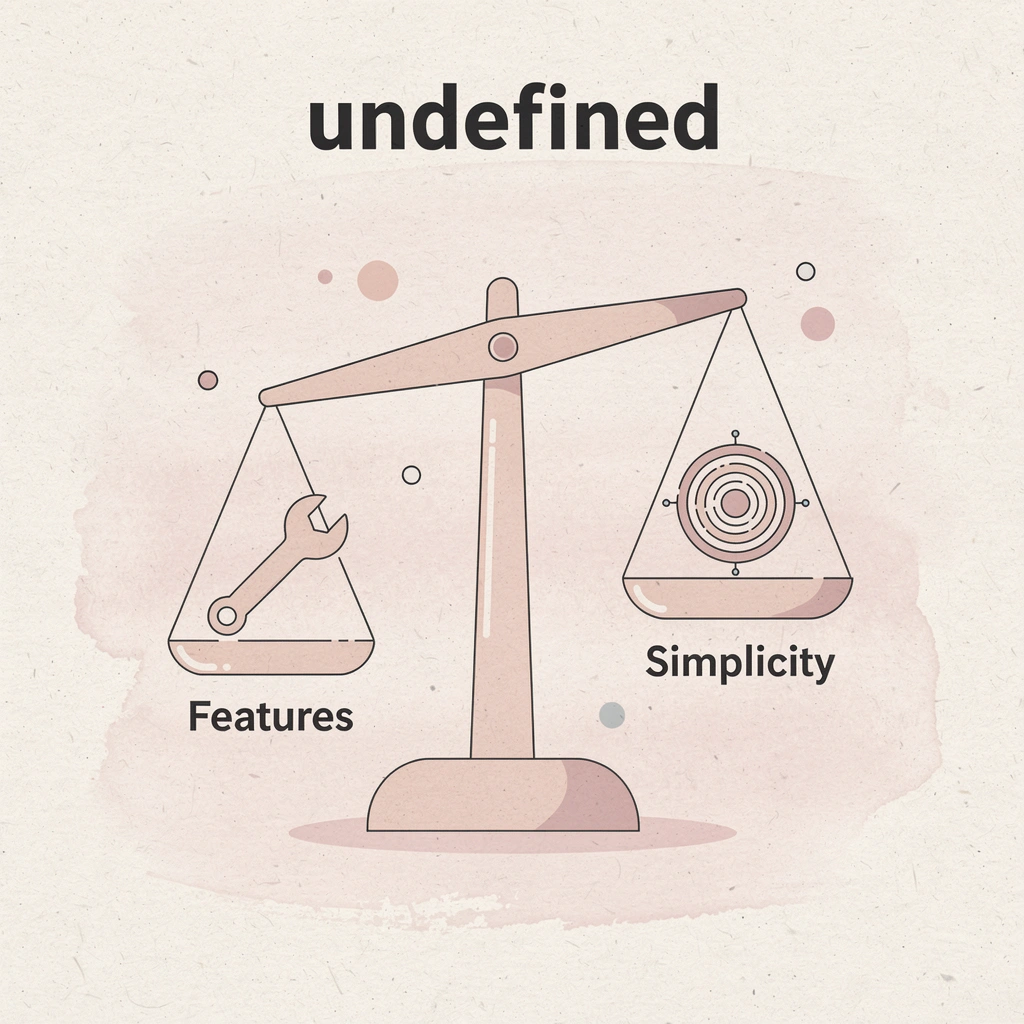
Tip: Start by mapping your current sales process and identifying the top 3 friction points where deals get stuck, or tasks pile up. These are your priority areas for automation investment.
| Tool Category | Best For | Team Size | Price Range |
|---|---|---|---|
| CRM Automation | Lead nurturing & follow-ups | 5-50+ reps | $25-150/month |
| Email Sequences | Outbound prospecting | 1-20 reps | $50-200/month |
| Meeting Schedulers | Booking & coordination | Any size | $10-50/month |
| Proposal Tools | Quote generation | 10+ reps | $75-300/month |
| Analytics Platforms | Performance tracking | 20+ reps | $100-500/month |
1. Bud
Bud's AI agent is the first AI agent with full computer access, enabling it to navigate websites, fill out forms, pull data, and complete multi-step workflows as you would. From Bloomberg Terminal analysis to GitHub tickets to QA testing, our AI agent handles repetitive tasks while you focus on what matters.
Key details
-
Where it fits: Cross-platform workflow automation that operates at the system level rather than through API connections alone.
-
Key strengths: Handles workflows that traditional automation cannot manage by interacting directly with any software interface. No custom integrations needed for tools lacking APIs or legacy systems.
-
Limitations: Requires a clear workflow definition up front and works best when you can explain the exact steps a person would take.
-
Best for: Teams running complex, multi-system processes that exceed traditional automation tools, and sales operations managing data across non-integrating platforms.
2. Mixmax
Mixmax turns your inbox into a sales execution platform with email tracking, one-click meeting scheduling, and automated follow-ups. AI-powered workflows create smart, multichannel sequences that maintain engagement with key accounts. Strong Salesforce integration logs activity automatically.
Key details
-
Where it fits: Email-focused outreach and engagement management.
-
Key strengths: Sellers who focus on their inbox avoid switching between tools. Sequences adapt based on recipient engagement (clicking links, opening emails), ensuring follow-ups occur at the right time rather than following a script.
-
Limitations: Power users who depend heavily on LinkedIn or phone outreach need supplementary tools. Works best when email is your primary sales channel.
-
Best for: Inside sales teams and account executives whose workflow centers on email, and teams seeking pipeline management without leaving their inbox.
3. HubSpot Sales Hub
HubSpot Sales Hub provides a complete CRM with strong automation tools. You can send email follow-ups, score leads, and view your sales pipeline in one place. If your team already uses HubSpot's marketing or service products, Sales Hub consolidates all customer information into a single record across every interaction.
Key details
-
Where it fits: Complete sales process management from start to finish, in collaboration with marketing.
-
Key strengths: Single source of truth for customer data. Marketing, sales, and service teams work from the same record, enabling smooth handoffs across departments.
-
Limitations: Feature depth can overwhelm smaller teams. Pricing scales quickly as you add seats and unlock advanced capabilities.
-
Best for: Mid-market teams seeking all-in-one simplicity and tight alignment between sales and marketing.
4. Salesforce Sales Cloud
The built-in automation engine in Salesforce Sales Cloud handles complex business processes more effectively than competing options. Lead assignment, opportunity updates, follow-up task creation, and email alerts can all be customized to match your exact sales process. Learning it requires time, but the capability justifies the investment.
Key details
-
Where it fits: Complex enterprise sales operations requiring deep customization.
-
Key strengths: You can customize the workflow in an unlimited number of ways. If you can map out your sales process, Salesforce can automate it. A deep ecosystem of integrated tools supports this flexibility.
-
Limitations: Dedicated admin resources are required, and the complex setup delays the realization of value.
-
Best for: Large organizations using Salesforce that need advanced, multi-stage automation for complicated deal structures.
5. Apollo.io
Apollo.io combines a comprehensive B2B contact database with sequencing and analytics on a single platform. Verified emails and phone numbers, automated outreach campaigns, and engagement tracking operate within the same system, eliminating tool switching.
Key details
-
Where it fits: Top-of-funnel prospecting and outbound lead generation.
-
Key strengths: Consolidates prospecting stack into a single platform with strong contact data quality, reducing bounce rates and wasted outreach.
-
Limitations: Best suited for high-volume outbound motions. Teams with complex, consultative sales cycles may find it too focused on top-of-funnel activities.
-
Best for: SDR teams building a pipeline from scratch and account executives managing their own prospecting alongside deal management.
6. ActiveCampaign
ActiveCampaign's reputation rests on marketing automation, but its sales capabilities deserve attention. Sophisticated workflow builders create automated nurture sequences triggered by prospect behavior, such as pricing page visits, email opens, and content downloads.
Key details
-
Where it fits: Behavioral-triggered lead nurturing across the buyer journey.
-
Key strengths: The visual workflow builder makes complex automation accessible, while behavioral triggers ensure outreach feels relevant rather than random.
-
Limitations: Reporting can feel marketing-focused, and sales teams may need custom dashboards for deal-focused metrics.
-
Best for: Teams seeking seamless handoffs between marketing-generated interest and sales engagement, particularly for longer consideration cycles that require sustained nurture.
7. Pipedrive
Pipedrive's visual sales pipeline makes deal status instantly clear. Activity-based selling prompts ensure reps schedule next actions for every opportunity, preventing deals from stalling. Automation handles repetitive tasks such as follow-up emails and activity creation when deals progress.
Key details
-
Where it fits: Pipeline management with activity-based selling methodology.
-
Key strengths: Simplicity and visual clarity. Reps know exactly what needs attention without having to dig through data.
-
Limitations: Advanced reporting is available only with higher-tier plans. Teams needing deep customization may outgrow the platform.
-
Best for: Small to mid-sized teams prioritizing ease of use over feature depth, or organizations implementing activity-based selling frameworks.
8. Outreach
Outreach manages high-speed sales engagement across email, phone, and social channels through multi-step sequences that ensure consistent follow-up at scale. Deep analytics connect activity to results, enabling data-driven coaching and sales play refinement.
Key details
-
Where it fits: Multi-channel sales engagement and team performance optimization.
-
Key strengths: Handles large interaction volumes without quality drop-off. Analytics-driven coaching.
-
Limitations: Enterprise pricing may exceed the needs of smaller teams.
-
Best for: SDR and AE teams managing hundreds of prospects simultaneously, prioritizing predictable pipeline generation through systematic outreach.
9. SalesLoft
SalesLoft automates email outreach, tracks calls, and provides detailed engagement analytics. Its standout coaching features—call recording and analysis—give managers specific feedback opportunities. The platform manages the full sales cycle from prospecting through account management.
Key details
-
Where it fits: Sales engagement with a heavy coaching and performance management focus.
-
Key strengths: Sales coaching infrastructure built into the platform. Standardized sales plays ensure consistent execution across the team.
-
Limitations: Feature overlap with CRM platforms can create redundancy, and integration quality with your existing CRM matters significantly.
-
Best for: Teams standardizing their sales process and organizations where coaching drives performance improvement.
10. Pardot (Marketing Cloud Account Engagement)
Pardot attracts, nurtures, and scores leads before sales engagement. Marketing campaigns run automatically, prospect website engagement gets tracked, and lead scoring identifies sales-ready opportunities. For B2B organizations with long sales cycles, it builds pipeline quality.
Key details
-
Where it fits: Marketing automation with sales handoff optimization.
-
Key strengths: Tight Salesforce integration creates seamless marketing-to-sales transitions, and lead scoring prevents premature sales outreach.
-
Limitations: Requires marketing and sales alignment on lead definitions.
-
Best for: B2B organizations with complex, multi-touch sales cycles and Salesforce users seeking unified marketing and sales data.
11. Zoho CRM
Zoho CRM delivers enterprise-level automation at accessible prices. Lead management, workflow automation, and sales analytics come standard. When connected with other Zoho products (marketing, support, finance), it creates an affordable all-in-one system.
Key details
-
Where it fits: Full CRM functionality at budget-friendly pricing.
-
Key strengths: The features are as deep as expensive platforms. Zoho ecosystem integration keeps your total cost of ownership low.
-
Limitations: The user interface feels dated compared to newer competitors, and some advanced features are available only on higher-tier plans.
-
Best for: Small and mid-sized businesses seeking complete CRM capabilities without enterprise pricing, particularly teams already using other Zoho products.
12. Clay
Clay automates lead research and data enrichment through its AI agent, Claygent, which automatically finds company details and contact information. Workflows keep data fresh and push qualified contacts directly into your sales system, reducing the time reps spend on manual account research.
Key details
-
Where it fits: Lead intelligence gathering and data enrichment.
-
Key strengths: Eliminates manual research bottlenecks and improves data quality through automatic, consistent enrichment.
-
Limitations: Value depends on outbound volume. Low-volume sales teams may not justify the investment.
-
Best for: Outbound-focused teams where research time creates bottlenecks, and organizations prioritizing data quality in prospecting.
13. ZoomInfo
ZoomInfo provides massive B2B contact databases with buyer intent signals that identify companies actively researching solutions like yours. Its AI assistant highlights the most promising pipeline deals, helping you focus on warm prospects.
Key details
-
Where it fits: Contact data and buyer intent identification for enterprise sales.
-
Key strengths: Intent data transforms prospecting from cold outreach to warm engagement. Database size and accuracy enable high-volume prospecting.
-
Limitations: Enterprise pricing may exceed the budgets of smaller teams. Contact volume can surpass your team's capacity to engage.
-
Best for: Mid-market and enterprise teams where timing and intent matter more than contact volume.
14. Lemlist
Lemlist specializes in multichannel outreach with strong LinkedIn automation. Connection requests, messages, and email sequences run together. Access to 600 million leads and deliverability tools helps emails reach inboxes instead of spam folders.
Key details
-
Where it fits: Social selling and multichannel cold outreach.
-
Key strengths: LinkedIn automation paired with email creates cohesive multichannel campaigns. Deliverability focus addresses a genuine pain point in cold outreach.
-
Limitations: Best for outbound-heavy motions. Inbound or account-based strategies require different tools.
-
Best for: Agencies and small teams running aggressive outbound campaigns where LinkedIn drives a significant pipeline.
15. Keap
Keap combines CRM with ready-to-use automation, from simple rules to advanced workflow builders. Its AI Automation Assistant generates complete sales funnels: emails, landing pages, and forms based on your business description.
Key details
-
Where it fits: All-in-one CRM with guided automation setup.
-
Key strengths: AI-generated funnels accelerate implementation. The visual workflow builder makes complexity manageable.
-
Limitations: Customization depth doesn't match that of enterprise platforms, and teams with unique workflows may run into constraints.
-
Best for: Small businesses seeking powerful automation without technical resources, and teams prioritizing speed to value over unlimited customization.
Five-Step Sales Automation Implementation Playbook
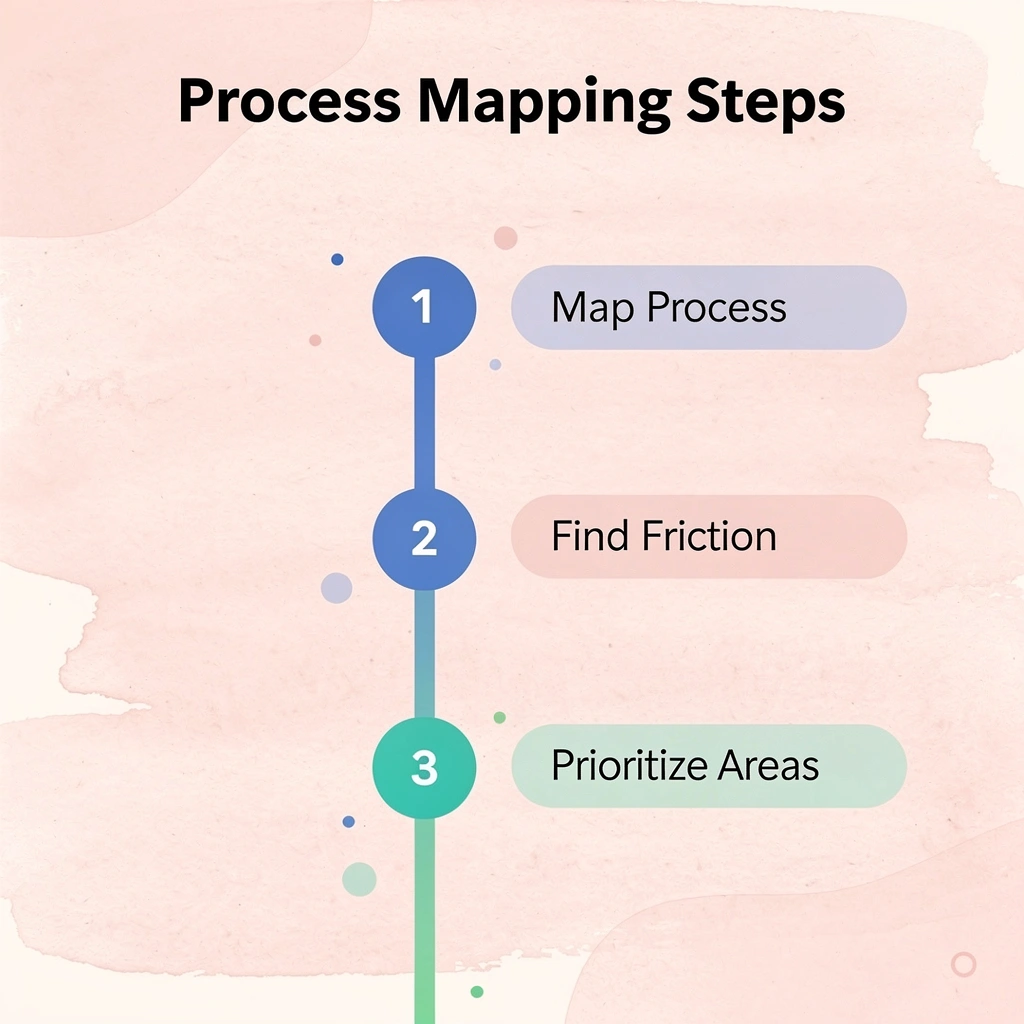
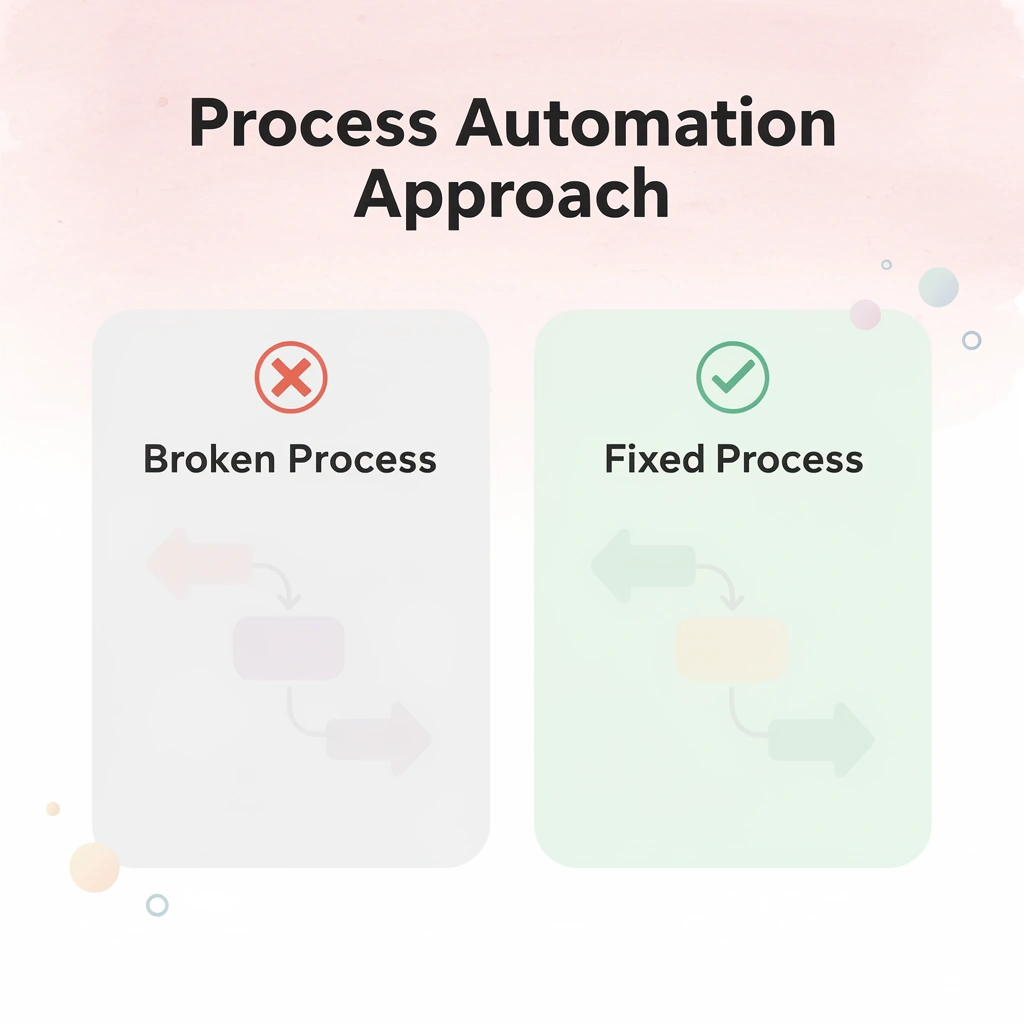
Most sales automation fails because teams automate before defining what needs to happen. You can't optimize a process that doesn't exist yet. Map your workflow first, then build automation around it. Key Point: The biggest mistake in sales automation is rushing to implement tools before understanding your current sales process. This leads to automated chaos instead of streamlined efficiency.

Warning: Never automate a process you haven't manually perfected first. Automation amplifies both good and bad processes - if your manual workflow is broken, your automated workflow will be catastrophically broken.
| Implementation Step | Time Investment | Success Rate |
|---|---|---|
| Process mapping first | 2-3 weeks | 87% |
| Direct tool implementation | 1 week | 23% |
| Hybrid approach | 4-5 weeks | 65% |
1. Map Your Current Sales Workflow Before Touching Any Tool
Start by writing down every action a sales rep takes from first contact to closing a deal—not the perfect version from your sales playbook, but the actual workflow, including workarounds, manual data transfers, spreadsheets outside your CRM, and Slack messages asking "did anyone follow up with this prospect?"
What does workflow mapping reveal about time allocation?
This shows where time actually goes versus where you think it goes. Teams often discover reps spend meaningful time searching for the right case study or pricing sheet because content is scattered across Google Drive, Dropbox, and individual desktops.
Another team found that deal handoffs from SDRs to AEs required 14 manual steps across three systems. You cannot automate what you haven't named.
How does mapping force specificity in automation planning?
Mapping forces specificity. Once you see that [qualification calls happen without CRM updates 60% of the time or that follow-up emails get sent three days late because reps forget to set reminders, you know what automation needs to solve.
2. Build an Integration Strategy Before Buying More Tools
Your GTM tech stack should simplify operations, not complicate them. When systems don't integrate well, sales reps waste hours copying information between platforms, leads get lost during handoffs between teams, and reporting becomes unreliable without a single source of truth.
How much time does poor integration actually cost sales teams?
According to Cirrus Insight, sales automation can reduce administrative tasks by up to 14 hours per week for each sales rep. Those gains disappear, however, when your email tool doesn't sync with your CRM, your meeting scheduler operates separately from your pipeline tracker, and your proposal software requires manual data entry from three other systems.
What alternatives exist to traditional API-based integration?
Traditional automation relies on API connections between specific platforms. Solutions like Bud's AI agent take a different approach by interacting with your full computing environment as a human would, navigating any software interface without requiring pre-built connectors. This means the AI agent adapts to your actual tech stack instead of forcing you to swap tools for integration compatibility.
Before adding any new platform, ask whether it creates a new data silo or connects to your existing systems.
3. Start Small, Measure Impact, Then Scale Systematically
Teams that automate everything at once overwhelm reps, break workflows, and can't identify what's working. Pick one high-friction bottleneck, automate it, track results for two weeks, then expand. One well-automated workflow beats ten poorly automated workflows.
What does research show about phased automation implementation?
Research from Cirrus Insight shows that companies using sales automation see an average 14.5% increase in sales productivity, but only when implementation occurs in focused phases. Start with lead routing and master it before moving on to follow-up sequences. Master email automation before attempting to generate proposals. Each success builds confidence and demonstrates value before adding the next layer of complexity.
How do you measure automation success and identify problems?
Track specific metrics: time saved per rep per week, conversion rate changes at each pipeline stage, and how often reps use the automation versus work around it. If adoption stays below 70% after three weeks, the workflow design needs adjustment, not the tool.
4. Train Teams on Workflow Logic, Not Just Button Clicks
Most training focuses on where to click inside the platform. Reps learn how to create a sequence or update a field, but not why the workflow is structured that way or what happens when they skip a step.
What does effective workflow training look like?
Good training explains why things work the way they do: "We automatically send leads to the right person based on company size and industry because response time gets 40% faster when leads go to the correct rep first. When you mark a lead as qualified, it triggers three actions: CRM stage update, automated calendar invite, and Slack notification to the AE. If you skip the qualification step, none of that happens and the lead stays stuck."
Why does understanding workflow logic matter?
When reps understand cause and effect, they stop seeing automation as a black box and catch problems faster because they know what should happen at each stage.
5. Audit your sales automation systems' effectiveness
Set a regular schedule to check on your sales automation technology: Is it helping reps sell more and reducing paperwork, or should you upgrade? Assess adoption rates, automation effectiveness, and impact on deal closure. Compare results to manual processes. Don't hesitate to improve, simplify, or change tools to better support your sales process.
What metrics should you track to measure the impact of automation?
Measure how fast your team responds to leads before and after implementing changes. Monitor conversion rates at key steps in your sales process. Compare how long it takes new reps to reach productivity and whether they hit annual sales goals. Track whether reps spend more time on high-value selling activity—that shift from busywork to relationship-building is where revenue growth lives.
But the best training fails if the underlying workflow doesn't match how your team actually sells.
Unify Your Sales Workflow Across Every Tool You Use With Bud AI
Most sales teams don't lack features. They lack continuity between them. Your CRM holds contact data, your outreach platform manages sequences, your spreadsheet tracks custom scoring, and your reporting tool pulls it all together with a delay. Each one works on its own, but handoffs between them create friction that slows your team down and introduces errors.
Key Point: The real productivity killer isn't bad tools—it's the gaps between them that force manual intervention.
Reps toggle between tabs, copy data manually, and wait for syncs that should be instant. When automation stops at the API boundary and requires human intervention to bridge platforms, you're not automating the workflow.
"When automation stops at the API boundary and requires human intervention to bridge platforms, you're not really automating the workflow."
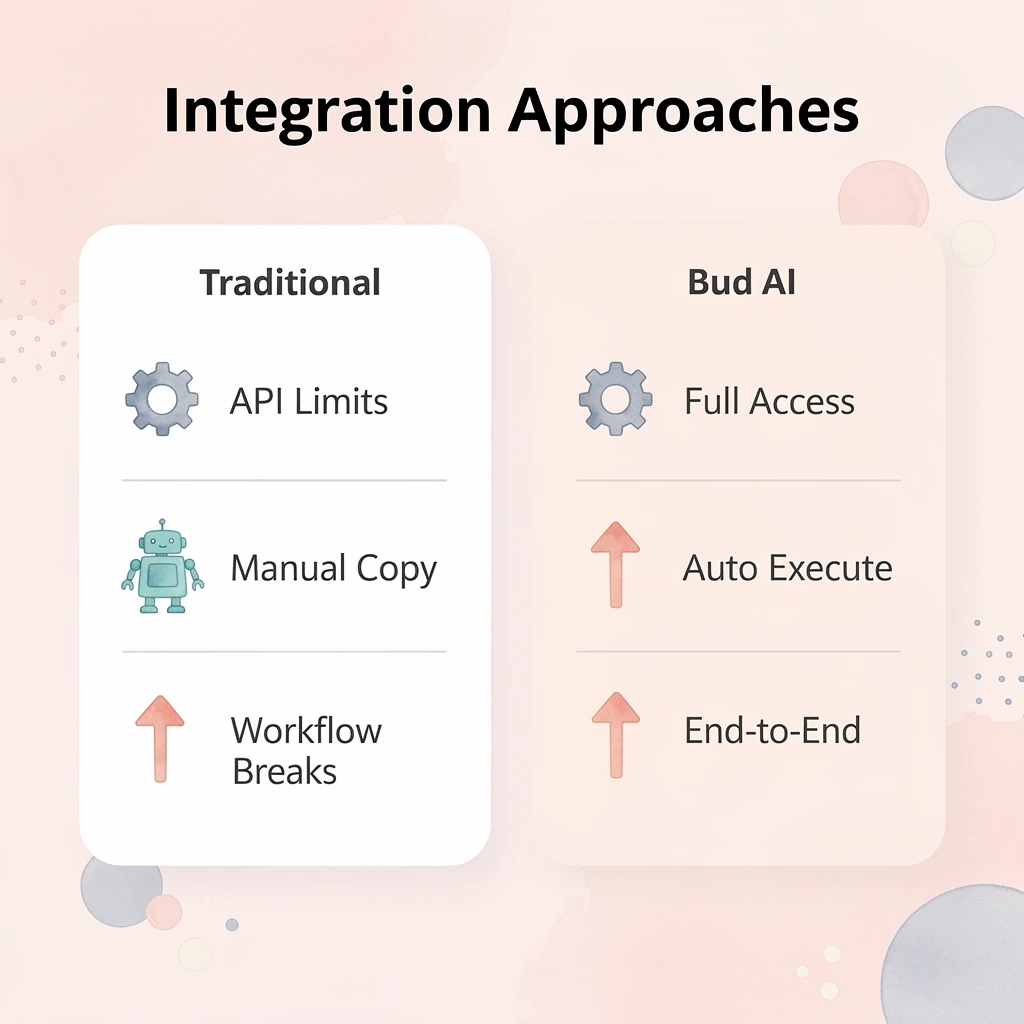
Bud's AI agent operates differently. Instead of replacing your existing stack, our AI agent acts as an execution layer on top of it. It pulls lead data from your CRM, updates pipeline stages based on engagement signals, syncs activity across platforms, and triggers follow-up sequences without manual intervention. The workflow runs end-to-end because our agent has full computer access, not limited API hooks.
| Traditional Integration | Bud AI Agent |
|---|---|
| Limited API connections | Full computer access |
| Manual data copying | Automated cross-tool execution |
| Workflow breaks at boundaries | End-to-end automation |
| Context switching required | Seamless tool coordination |
For sales teams stretched thin, this means automating repetitive cross-tool tasks that consume hours weekly: updating records after calls, pulling reports from three systems, and routing leads based on spreadsheet criteria. These are coordination problems, and coordination is what gets lost when your tools don't talk to each other seamlessly. Warning: Don't try to automate your entire sales workflow at once—start with one high-impact process and expand from there.
Start small. Connect one part of your sales workflow, such as lead updates or weekly reporting, and measure how much manual effort gets removed. The best automation quietly gives your reps back hours they can spend selling.