15 Best Business Process Automation Tools for Workflow Efficiency
Every day, teams lose hours to repetitive tasks like data entry, approval routing, invoice processing, and customer onboarding. These workflows drain resources and slow growth, yet many businesses struggle to find automation solutions that deliver results without creating new headaches. The right business process automation tools can streamline operations, reduce errors, and free teams to focus on work that truly matters. Finding solutions that match specific needs requires practical insights into what actually works.
The best automation platforms offer flexibility without complexity, adapting to unique business requirements rather than forcing rigid processes. Teams need solutions that connect existing systems and intelligently handle routine processes, maintaining simplicity while optimizing workflows. Instead of wrestling with complex implementations, organizations benefit from tools that balance effectiveness with cost-efficiency. Bud's AI agent transforms workflow automation by providing exactly this type of adaptive, intelligent solution for modern businesses.
Table of Contents
- Why Manual Workflows Still Hurt Businesses in 2026
- Why Most Business Workflows Shouldn’t Be Manual Anymore
- Why "We'll Automate Later" Is a Dangerous Business Assumption
- 15 Best Business Process Automation Tools
- Business Process Automation Tools Reduce Work, But They Still Don't Remove the Work of Managing Them
Summary
- Manual data entry consumes up to 40% of employee time, according to Forbes Business Council research, but the real damage shows up in missed opportunities and decisions delayed until someone consolidates information. These aren't dramatic failures. They're quiet erosions that compound daily, creating revenue leaks that never appear on financial statements but gradually erode competitive position through slower response times and reduced decision velocity.
- Workflow cycle times drop 77% when manual steps are removed, according to Technology Radius data. That gap determines competitive outcomes when markets move faster than manual processes can keep pace. Vonage reduced average response times from four days to four hours with automated systems, proving speed improvements translate directly to customer satisfaction and revenue opportunities that manual workflows simply cannot capture.
- Companies waste 30% of revenue on inefficient processes, according to Parix.ai research. The real cost isn't the time spent on individual tasks but the scaling ceiling that manual workflows create. Growth increases chaos rather than efficiency because the business model allows only for adding more people to handle more volume, which means margins compress and complexity multiplies faster than revenue.
- Businesses that automate early pay setup costs once and collect efficiency gains forever, while those who wait pay higher costs later because they're automating systems already under stress. The window for easy automation is early, when processes are simple, and data is clean. Wait until you're drowning in complexity, and automation becomes a rescue operation instead of a strategic upgrade.
- Traditional automation platforms require continuous maintenance to stay functional. Workflows break when APIs change, new fields get added, or authentication tokens expire. The 15 minutes saved per task gets offset by hours spent each month keeping automation running smoothly, and automated processes fail quietly rather than loudly, creating gaps between failure and discovery that can cost more than the original inefficiency.
- Bud's AI agent addresses this by operating across systems the same way a human would, using browser, email, and standard interfaces already in place, which means automation happens without custom integrations or workflow redesign that requires ongoing maintenance.
Why Manual Workflows Still Hurt Businesses in 2026
Businesses in 2026 still export CSVs, manually merge data across spreadsheets, and rebuild the same reports every week despite knowing automation exists. According to research published by Parix.ai, companies waste 30% of revenue on inefficient processes. This stems from inertia, not ignorance. Teams understand that better tools are available, but continue to use familiar five-step workarounds. Key Point: The problem isn't a lack of awareness—it's organizational resistance to change that keeps companies stuck in costly manual processes.
Warning: Even tech-savvy organizations fall into the trap of maintaining familiar but inefficient workflows rather than investing time in automation setup.

The time drain nobody measures
Repetitive administrative work fragments your attention beyond the time it consumes. Manually checking data across three dashboards, exporting it, cleaning it in Excel, and then copy-pasting it into a presentation depletes mental energy on tasks requiring no strategic thinking. The real cost isn't the 90 minutes spent—it's the context switching that makes the next two hours of actual work feel slow and unfocused. Teams report drowning in dashboards, jumping between tabs to answer basic questions about their own operations.
Where human error compounds
Fluency's 2026 Agency AdOps Benchmark found that 71% of agency leaders say manual errors are a growing risk as they scale. Manual work creates more mistakes: skipped steps on busy days, forgotten updates, misplaced decimals in pricing sheets that go unnoticed until clients question invoices weeks later. These small problems with trust and accuracy accumulate faster than anyone wants to admit.
The scaling wall
Manual processes that work with five people break at fifteen. What worked when your founder approved every expense fails across three departments and two time zones. Email threads are fragmented, decisions are slow, and institutional knowledge lives in one person's head rather than in accessible systems. The bottleneck isn't capability: it's the architecture of work itself.
What happens when business tools don't communicate?
Most businesses operate with disconnected tools. Your CRM doesn't integrate with your project management software, and your accounting platform operates in isolation. Someone must manually fill the gap, typing in data that already exists elsewhere, creating multiple sources of truth that often contradict each other.
Solutions like Bud's AI agent avoid this problem by working across systems the way a person would: using the browser, email, and standard tools you already have, without needing custom integrations or API configurations that take months to set up.
Why do manual processes become problematic over time?
Familiar processes hide their true cost until your business grows and forces the issue. Recognizing the problem reveals why these workflows need to be automated.
How do manual workflows create invisible revenue leaks?
Manual workflows leak revenue in ways you can't easily see. When a sales lead waits four hours for a quote because someone must manually pull pricing data from three different systems, that delay never appears on a P&L statement. When an invoice goes out with the wrong amount due to data entry errors, the time spent fixing it gets absorbed into "general operations."
Forbes Business Council reports that manual data entry tasks consume up to 40% of employee time. The greater damage emerges in missed opportunities, lost customer trust, and delayed decisions. These are quiet problems that accumulate daily.
What are the long-term consequences of data errors?
Data errors lead to incorrect orders, inaccurate invoicing, and delayed responses, eroding customer trust until customers leave. Regulatory violations accumulate when documentation depends on manual spreadsheet updates.
Damage to your reputation affects market value in ways that take years to rebuild. The real cost isn't the 15 minutes spent fixing a mistake—it's the customer who stops returning calls.
When productivity becomes theater
Employees spend most of their time on repetitive tasks that create no new value: cross-functional processes consuming management attention with status updates, data reconciliation, and manual handoffs between systems. Managers get pulled into administrative work instead of making strategic decisions. Teams trapped in manual workflows hit a ceiling where effort and output decouple—working harder doesn't translate into faster growth.
High employee turnover compounds this burden. Training new staff requires substantial time investment, and the cycle repeats when people burn out from repetitive work. Human capacity becomes the constraint preventing growth beyond linear scaling.
What creates the decision velocity gap in organizations?
Organizations that rely on manual processes face a structural disadvantage when speed determines competitive outcomes. Technology Radius data shows workflow cycle times drop 77 percent when manual steps are removed. Competitors respond to market changes within hours, while your team waits days for the necessary information. Decisions stall. Opportunities close. Markets move faster than your ability to react.
How do companies bridge this velocity gap with automation?
Vonage cut average response times from four days to four hours using automated systems, freeing staff from repetitive tasks to focus on higher-value work. Simba generated an additional £600,000 in monthly revenue through AI-automated sales processes, demonstrating that automation creates new revenue opportunities by removing obstacles that prevent teams from operating at market speed.
Solutions like Bud's AI agent differ from traditional automation tools. Instead of requiring custom integrations or API configurations, our AI agent works across systems using the browser, email, and standard interfaces already in place, enabling automation without months of technical setup.
The scaling ceiling nobody sees coming
Manual processes that feel manageable with a small team become impossible as organizations grow. Human capacity becomes the bottleneck. Companies achieve only linear growth by significantly increasing their workforce, a model that breaks down quickly. Margins compress and complexity multiplies faster than revenue.
But recognizing these costs matters only if you believe the timing is right to address them.
Why "We'll Automate Later" Is a Dangerous Business Assumption
The belief that automation can wait until you're bigger or less busy is backward. Inefficiency multiplies as you grow. Every manual process you keep becomes exponentially more expensive to automate later because you're not just building new systems: you're untangling years of accumulated workarounds, inconsistent data, and institutional habits that have hardened into "how we do things here." Tip: Start automating your smallest, most repetitive tasks first. These quick wins build momentum and demonstrate ROI before tackling larger systems.

Warning: The "we'll fix it later" mentality creates a compound interest effect in reverse—every day you wait, the cost of change grows while your competitive advantage shrinks.
How does manual workflow debt accumulate over time?
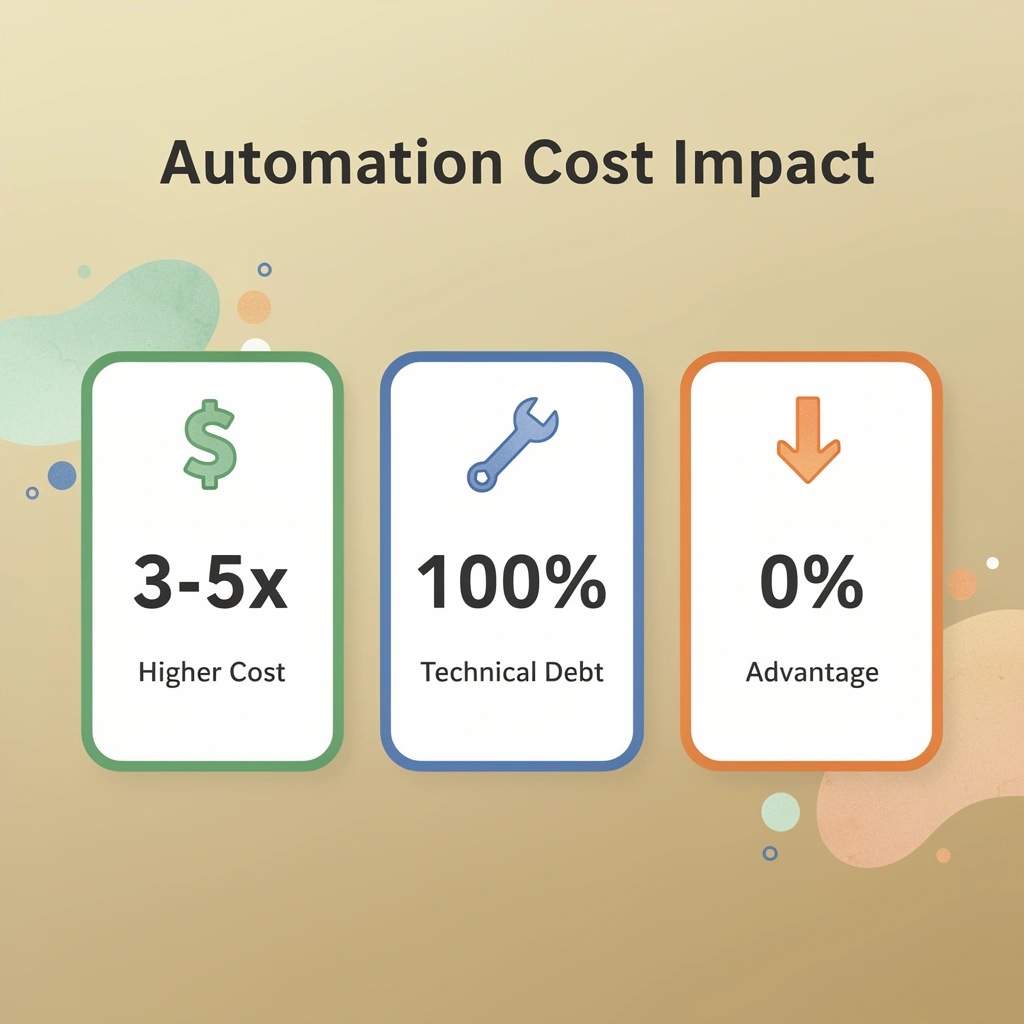
Manual workflows create scaling debt the same way technical debt builds up in software. Each 15-minute manual data transfer becomes 15 minutes every day, forever, until someone stops it. Multiply that across a team and a year, and you're looking at weeks of productive capacity consumed by tasks that create zero new value. The real cost emerges when you need three people to maintain the volume that your current manual systems barely handle.
Why do manual systems create dangerous confidence?
Manual systems can appear reliable because they work most of the time, creating false confidence. Even a small failure rate—one missed follow-up per hundred leads, one invoice error per hundred transactions, one data entry mistake per hundred records—compounds as volume increases. The manual processes that caught errors when the business was small have become the bottleneck, preventing growth.
Why does timing matter for automation implementation?
Businesses that automate early-pay setup costs once and capture efficiency gains indefinitely. Those who wait incur higher costs later because they automate systems already under stress while maintaining operations.
Implementing workflow automation at 50 transactions per day costs the same as at 500 transactions per day, but the latter means you've already absorbed months of unnecessary manual work and trained your team on processes you're about to replace.
How can businesses start automating without complex systems?
Most automation doesn't need complex enterprise systems. It starts with identifying repetitive tasks—such as lead responses, invoice generation, and data synchronization—and building flows to handle them without human intervention.
Solutions like Bud's AI agent work across your existing systems the way a human would, using the browser, email, and standard interfaces already in place. Our AI agent enables automation in days, not months, by adding intelligence to existing workflows rather than rebuilding infrastructure.
The timing trap
The paradox of "we'll automate when we have time" is that manual processes consume more time as you grow, leaving less capacity to implement automation when you need it most. The window for easy automation is early, when processes are simple, and data is clean. Wait until you're drowning in complexity, and automation becomes a rescue operation instead of a strategic upgrade.
But knowing automation matters only if you understand which tools solve the problems you're facing, not the ones everyone talks about.
15 Best Business Process Automation Tools
Business process automation tools solve different problems: some organize workflows across cloud infrastructure, others manage social media calendars, or route approval requests. The challenge is to match the tool to the specific friction point that is costing you time, money, or customer trust. Key Point: The most effective automation strategy starts with identifying your biggest bottlenecks before selecting tools. Focus on processes that are repetitive, time-consuming, and have clear rules for decision-making.

| Tool Category | Best For | Key Benefit |
|---|---|---|
| Workflow Management | Cross-team processes | Visibility and accountability |
| Social Media Automation | Content scheduling | Consistent brand presence |
| Approval Routing | Document workflows | Faster decision cycles |
| Data Integration | System connectivity | Reduced manual data entry |
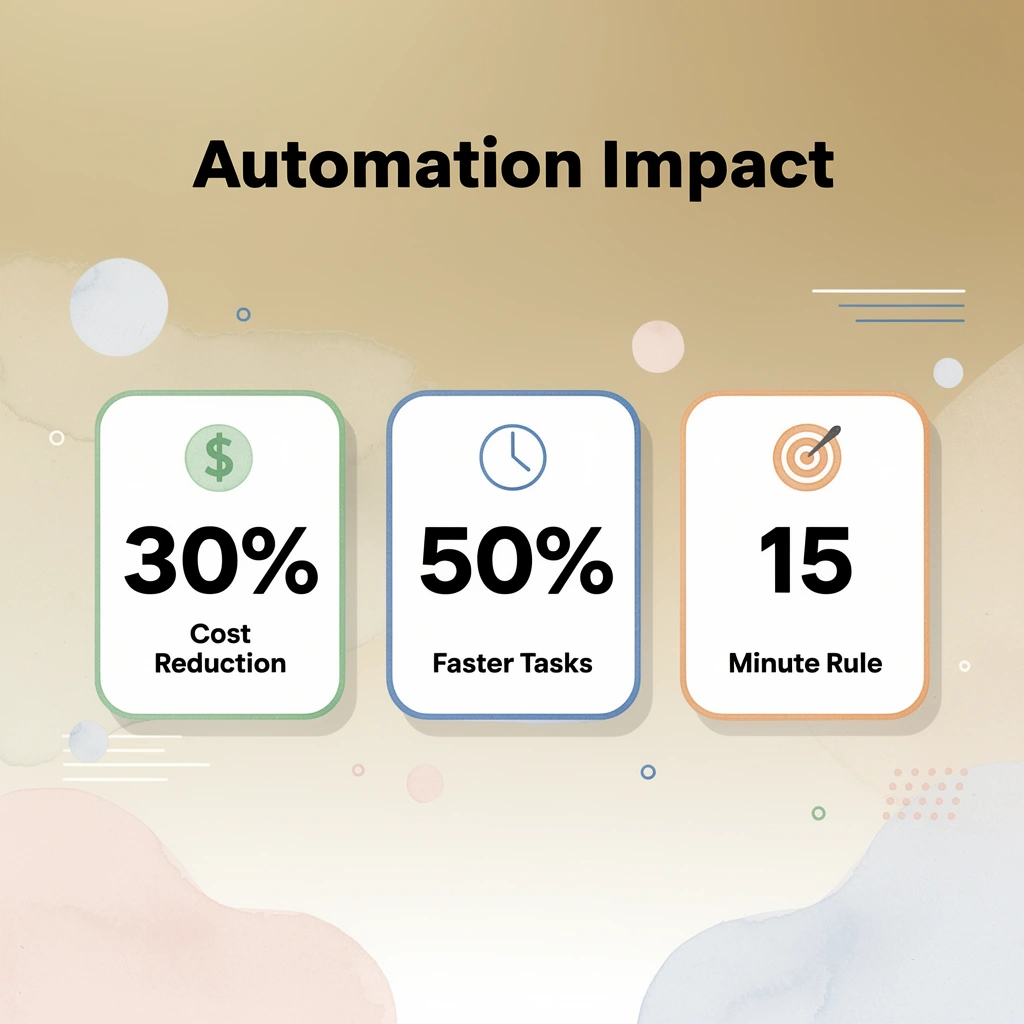
Tip: Start with one process that affects multiple departments or takes more than 15 minutes to complete manually. These typically offer the highest ROI and fastest adoption rates across your organization.
1. Bud
Tired of bouncing between tabs, copying data, and manually executing repetitive tasks across different apps? Bud is the first AI agent with full computer access, meaning it can navigate websites, fill out forms, pull data, and complete multistep workflows just like you would. From Bloomberg Terminal analysis to GitHub tickets to QA testing, Bud handles the grunt work while you focus on what matters.
Why it stands out
Unlike traditional automation platforms that require APIs, custom integrations, or workflow redesign, Bud operates through the same interfaces humans use: browser, email, and standard applications. That means automation happens in days, not months, because you're not rebuilding infrastructure. You're adding intelligence to existing systems.
Key capabilities
- Navigates websites and web applications autonomously
- Fills forms and extracts data across platforms
- Executes multistep workflows without human intervention
- Works with existing tools through standard interfaces
Strengths
No technical integration required. Works immediately with your current systems. Handles complex, multistep processes that span different platforms.
Limitations
New approach requires rethinking how you structure tasks. Best for workflows that currently require human navigation across digital interfaces.
2. ProcessMaker
ProcessMaker is an intelligent low-code BPM and BPA platform built for organizations that need to scale fast without hiring developers. According to Up North Media, automation can reduce operational costs by up to 30%, and ProcessMaker targets exactly that outcome through generative AI capabilities that turn process descriptions into working workflows.
Why it stands out
The platform's text-to-process feature lets nontechnical users describe a workflow in plain language and watch the AI generate it. That removes the bottleneck where business teams understand the process but lack the technical skills to build it.
Key capabilities
- Low-code workflow design with draganddrop interface
- AIpowered process generation from text descriptions
- Prebuilt templates for common business processes
- Free trials for ID verification, invoice processing, and tax documents
Strengths
Fast deployment for standard business processes. Minimal technical expertise required. Strong focus on document-heavy workflows.
Limitations
May require customization for highly specialized processes. Learning curve for advanced features despite the low-code approach.
3. Asana
Asana built its reputation as a project management tool, but its automation features address the coordination overhead that kills productivity in distributed teams. The platform offers both manager-centric planning tools and worker-centric task execution features, with security controls that meet enterprise requirements.
Why it stands out
Asana's strength lies in making complex project dependencies visible and automating status updates that typically consume 30% of meeting time. Repetitive-task automation means you define a workflow once, and it executes consistently every time.
Key capabilities
- Premade templates for common project types
- Shared team calendar with task scheduler
- Automated task prioritization and routing
- Report dashboards for project insights
- Comment threads are attached to every task
Strengths
Intuitive interface drives adoption. Strong file-sharing capabilities. Granular permissions for security-conscious teams.
Limitations
Works best for project-based work. May feel overengineered for simple task lists. Automation features require an understanding of trigger-action logic.
4. ActiveBatch
ActiveBatch orchestrates workflows across enterprise systems using event-driven architecture. That means it can trigger processes based on message queues, FTP file arrivals, emails, or scheduled business calendars, not just simple time-based schedules.
Why it stands out
Bidirectional integrations with System Center Service Manager and ServiceNow let it automatically create, update, and close tickets based on workflow status. For IT operations teams managing hundreds of automated processes, that integration prevents tickets from becoming manual overhead.
Key capabilities
- Event-driven workflow triggers across multiple channels
- Flexible scheduling based on business days and time zones
- API connectivity to any service or application
- Workflow modeling and in-depth monitoring
- Automated ticket management with ITSM platforms
Strengths
Handles complex dependencies across systems. Strong monitoring and alerting. Scales to enterprise volumes.
Limitations
Requires technical expertise to configure. Best suited for IT operations rather than business process automation. Steep learning curve for nontechnical users.
5. KissFlow
KissFlow offers a suite of over 50 prebuilt applications for common business processes, such as vendor payments, purchase orders, and employee onboarding. End users can customize these applications without coding, which removes IT as the bottleneck for process improvements.
Why it stands out
The platform focuses on lightweight automation for processes that don't require enterprise-grade complexity. That makes it accessible to teams who need automation but can't justify six-month implementation projects.
Key capabilities
- 50+ prebuilt business process applications
- Customizable forms for data capture
- Activity reports and system sequences
- Zapier integration for SaaS connectivity
- Multilanguage support
- Unlimited application creation
Strengths
Fast deployment for standard processes. No limits on application creation. Strong document integration with Dropbox and Google Docs.
Limitations
May lack depth for complex workflows. Customization options limited compared to full BPM platforms. Integration ecosystem smaller than enterprise alternatives.
6. Hootsuite
Hootsuite automates social media management across 150+ networks through a single interface. For marketing teams managing multiple brands or channels, this consolidation prevents the tab-switching chaos that makes social media management a full-time job.
Why it stands out
The platform's scheduling and automation features mean you can plan an entire month of content in a few hours, then let the system handle posting, monitoring, and basic engagement while you focus on strategy and creative work.
Key capabilities
- 150+ social network integrations via App Discovery store
- Multi-account management from a single dashboard
- Content scheduling and automated posting
- Custom API for specialized integrations
- Analytics and reporting across channels
Strengths
Comprehensive network coverage. User-friendly interface speeds onboarding. Strong analytics for measuring social performance.
Limitations
Advanced features require higher-tier plans. Can feel overwhelming for small teams managing 23 channels. Automation works best for scheduled content, less effective for realtime engagement.
7. Basecamp
Basecamp functions as a virtual hub for distributed teams, emphasizing discussion management and collaboration over traditional project management. It supports a wide variety of integrations, making it flexible for teams with diverse toolsets.
Why it stands out
While not designed specifically for project management, Basecamp excels at preventing the communication fragmentation that happens when teams use email, Slack, shared drives, and project tools simultaneously. Everything related to a topic lives in one place.
Key capabilities
- Centralized deadline and file tracking
- Discussion threads organized by topic
- Announcement broadcasting to the team
- Task assignment and tracking
- Integration support for existing tools
Strengths
Reduces tool sprawl. Simple interface encourages adoption. Effective for remote teams needing coordination without complexity.
Limitations
Not purpose-built for complex project workflows. Limited automation compared to dedicated BPM tools. Better for communication than process enforcement.
8. Comindware Tracker
Comindware Tracker automates issue tracking, project management, workflow management, and HR processes through a fully customizable SaaS platform. The Graphical Workflow Builder uses draganddrop design, making workflow customization accessible to business users.
Why it stands out
The platform combines multiple business functions (issue tracking, project management, HR) into one system with customizable workflows. That consolidation prevents data silos and reduces the integration overhead of managing separate tools for each function.
Key capabilities
- Graphical workflow builder with drag and drop interface
- Issue tracking with automated alerts
- Project and resource management
- HR management for hiring, vacations, and transfers
- Customizable for specific business processes
Strengths
Single platform for multiple business functions. High degree of customization. Strong tracking and alerting capabilities.
Limitations
Requires time investment to configure properly. May be overengineered for teams needing simple task management. Learning curve for advanced customization features.
9. Laserfiche
Laserfiche tackles digital clutter through AI-driven document management and routing. For organizations drowning in PDFs, contracts, invoices, and compliance documents, it provides automated capture, organization, and workflow routing on scheduled intervals.
Why it stands out
The platform uses AI to automatically classify and route documents based on content, not just file names. That means invoices go to accounting, contracts to legal, and compliance documents to the right department without manual sorting.
Key capabilities
- Aid-driven document capture and organization
- Automated routing and tracking
- Custom forms and reports
- Task management integrated with document workflows
- Scheduled automation for regular processes
Strengths
Powerful document management capabilities. AI reduces manual classification work. Strong compliance and audit trail features.
Limitations
Best suited for document-heavy workflows. May be overkill for teams without significant document management needs. Requires configuration to match specific organizational structures.
10. Quu
Quu automates content research by sending daily alerts of high-quality articles, podcasts, videos, and blog posts in your preferred niche. For content marketers who spend hours each week finding relevant material to share, automation reclaims significant time.
Why it stands out
Unlike social media schedulers that automate posting, Quu automates the research phase that typically happens before you have anything to schedule. It addresses the upstream bottleneck in content marketing workflows.
Key capabilities
- Daily content alerts in chosen niches
- Hand-curated, Discovery, and Pods content options
- Links to articles, podcasts, videos, and blog posts
- Integration with scheduling tools like Hootsuite
Strengths
Solves a specific, time-consuming problem. Simple to use. Complements existing social media tools.
Limitations
Narrow use case focused on content discovery. Requires separate tools for scheduling and posting. Quality depends on the algorithm matching your niche preferences.
11. Ansible
Ansible is an open-source automation tool for configuration management, application deployment, and IT orchestration. It uses an agentless architecture, communicating via SSH or WinRM, and executes tasks described in human-readable YAML playbooks.
Why it stands out
The agentless design means you don't install software on target systems, reducing security risks and simplifying deployment. Idempotent playbooks ensure a consistent state across environments, which matters when managing hundreds of servers.
Key capabilities
- Agentless architecture using SSH or WinRM
- Idempotent YAML playbooks for consistent execution
- Extensive modules for cloud, network, and application management
- Event-driven automation and RBAC support
Strengths
No agents required on target hosts. Strong security through standard protocols. Massive ecosystem of prebuilt modules. Idempotent execution prevents configuration drift.
Limitations
Manual integration with some systems. Not purpose-built for business workflows requiring human approvals. Best for infrastructure automation rather than business process orchestration.
12. Docker
Docker packages applications into lightweight containers that run consistently across laptops, servers, and cloud providers. That portability eliminates the "works on my machine" problem that slows development and deployment cycles.
Why it stands out
Containers accelerate CI/CD pipelines by standardizing how applications are built, tested, and deployed. Development teams can ship faster because the same container that runs in testing runs in production.
Key capabilities
- Portable containers across environments
- Fast build and deployment cycles
- Microservices architecture support
- Integration with orchestrators like Kubernetes
Strengths
Eliminates environment inconsistencies. Accelerates deployment pipelines. Supports modern microservices architectures. Strong ecosystem and community.
Limitations
Learning curve for teams new to containerization. Documentation can be outdated. Requires orchestration tools for production-scale deployments. Security and networking require additional configuration.
13. AWS CloudFormation
CloudFormation defines and manages AWS infrastructure as code using YAML or JSON templates. It automates resource provisioning, manages resource dependencies, and supports rollbacks when deployments fail.
Why it stands out
Infrastructure as code means you can version control your entire AWS environment, replicate it across regions, and ensure consistency between development and production. That eliminates manual configuration errors and makes disaster recovery repeatable.
Key capabilities
- Infrastructure defined in YAML or JSON templates
- Automated dependency management
- Rollback on failure with drift detection
- Integration with Auto Scaling and load balancers
- IAM roles and encryption for security
Strengths
Rapid deployment and scalability. Deep integration with AWS services. Consistent environments through code. Full audit trail of infrastructure changes.
Limitations
Complex stack updates when dependencies aren't well-managed. Limited to the AWS ecosystem. Requires understanding of both CloudFormation syntax and underlying AWS services.
14. Screendragon
Screendragon is a no-code workflow automation platform designed specifically for marketing and creative operations. It combines project management, resource planning, and approval workflows into one platform, helping teams reduce inefficiencies without writing code.
Why it stands out
AI agents integrate directly into project workflows, and dynamic custom forms adapt based on user input. That flexibility matters for creative teams whose processes vary by project type, client, or campaign.
Key capabilities
- No-code workflow builder for marketing operations
- AIpowered automation within project workflows
- Digital approval management with feedback tools
- Resource and budget planning are integrated
- Advanced permission controls and reporting
Strengths
Built specifically for marketing and creative teams. AI integration within workflows. Comprehensive resource and budget planning. Highly customizable for complex team structures.
Limitations
Complex setup not suited for small teams. Time-intensive onboarding delays initial value. May be overengineered for simple project tracking needs.
15. monday.com
monday.com is a work management platform with workflow automation features that standardize processes and eliminate repetitive tasks. According to Up North Media, companies report 40% time savings with process automation, and monday.com targets that outcome through visual workflow builders and AIpowered automation.
Why it stands out
The visual workflow builder uses draganddrop blocks for triggers, conditions, and actions, making automation accessible to nontechnical users. The AIpowered workflow generator can create entire workflows from text descriptions like "manage and track incoming IT support requests."
Key capabilities
- Visual workflow builder with draganddrop interface
- AIpowered workflow generation from text descriptions
- Automated notifications and status updates
- Realtime insights into ongoing processes
- Time tracking integrated with task management
Strengths
Easy to create notification flows. Extensive integration library. Simple customization of workflows and boards. No-code approach accessible to all departments.
Limitations
May not handle very complex workflows with multiple dependencies. Can be too robust for small teams with simple needs. Advanced features require higher-tier plans.
How do modern approval systems address workflow bottlenecks?
Most teams manage approvals through email threads because it's familiar and requires no new tools. As stakeholders multiply and decisions need to happen quickly, threads fragment across inboxes, information gets lost, and decisions slow.
Solutions like Bud's AI agent work differently. Our AI agent navigates approval systems as a human would, using existing interfaces and workflows to send requests, track status, and follow up automatically. This compresses review cycles from days to hours without requiring custom integrations or process redesign.
But even the best automation tools create a new kind of work that nobody warns you about.
Business Process Automation Tools Reduce Work, But They Still Don't Remove the Work of Managing Them
The tools in this guide automate repetitive work, but they create a different kind of work: keeping workflows running, fixing broken connections, and managing the automation itself. You're no longer typing in data by hand, but someone still needs to update the workflow when your CRM changes its API, change triggers when business logic shifts, or teach new team members how the automated system works. Key Point: Automation tools shift work from manual execution to system management—you're trading data entry for workflow maintenance.

Warning: The hidden cost of automation isn't the software subscription—it's the ongoing management overhead that many teams underestimate when implementing these tools.
The maintenance burden automation creates
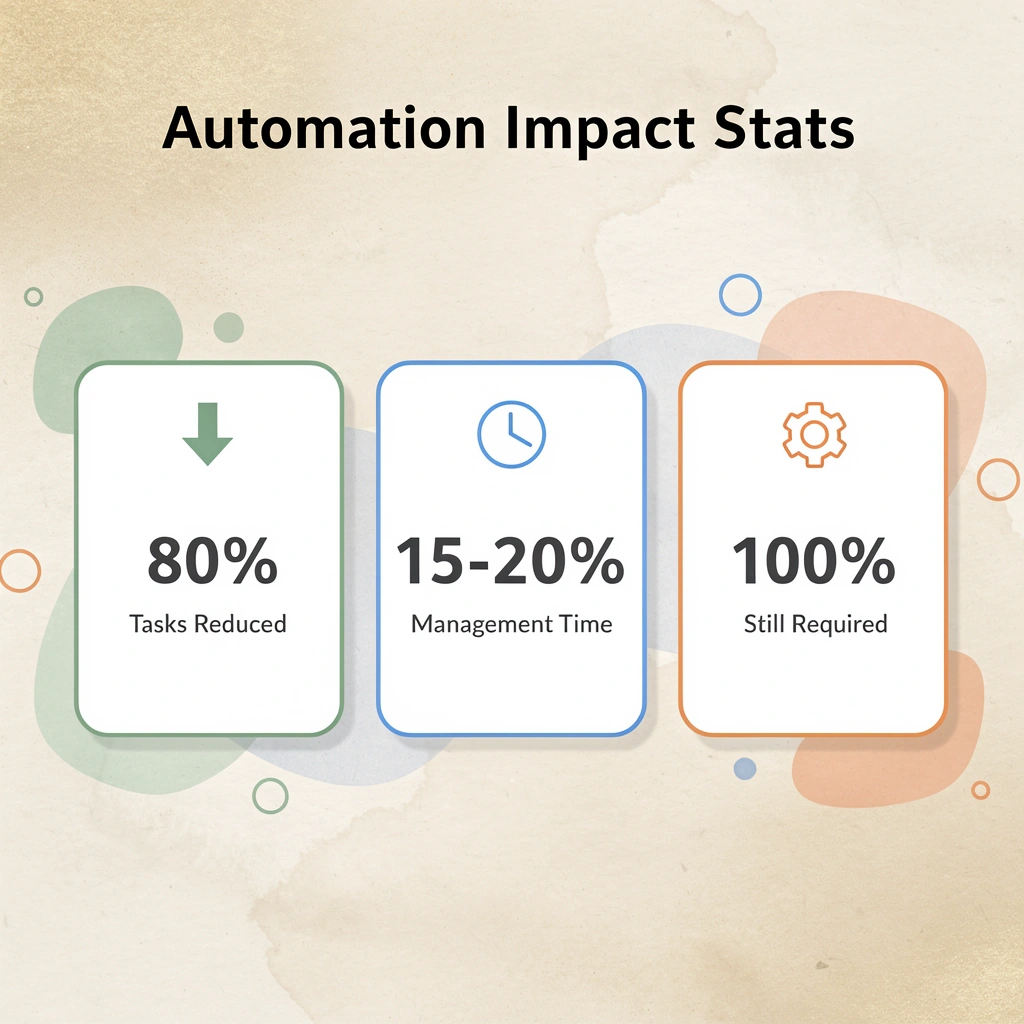
Automation platforms require constant maintenance. When Zapier updates its email integration, someone must verify that existing workflows still function. When your team adds a field to your project management tool, someone must update every workflow that is affected. Organizations often underestimate the complexity of maintaining automated systems at scale. The 15 minutes saved per task is offset by the hours spent monthly keeping automation operational.
Automation breaks quietly. A workflow that sends invoice reminders stops working when an authentication token expires, but nobody notices until a client mentions they never received payment requests. Manual processes fail loudly; automated processes fail silently. The gap between when something breaks and when you discover it can cost more than the original problem you were trying to solve.
When configuration becomes the new bottleneck
Traditional automation tools rely on simple if-this-then-that logic that requires planning every possible situation in advance. This approach fails when workflows demand judgment calls or context-dependent decisions. Each new exception requires reconfiguring the entire workflow, and the system meant to free up your team now demands a dedicated person who understands how all the pieces connect.
Bud's AI agent operates across systems like a human would, using the browser, email, and standard interfaces already in place. Rather than building workflows between apps, our AI agent navigates websites, fills forms, and completes multi-step processes directly. When your tools change, Bud adapts without requiring workflow redesign or integration updates.
Getting started takes under two minutes: connect Bud, assign a task, and it immediately executes real workflows across your tools. The difference matters most when workflows span multiple tools that don't integrate cleanly or when tasks require judgment across different systems that would otherwise need complex configuration to automate.